Template library · Social
Dark Mode — Tweet to Image template
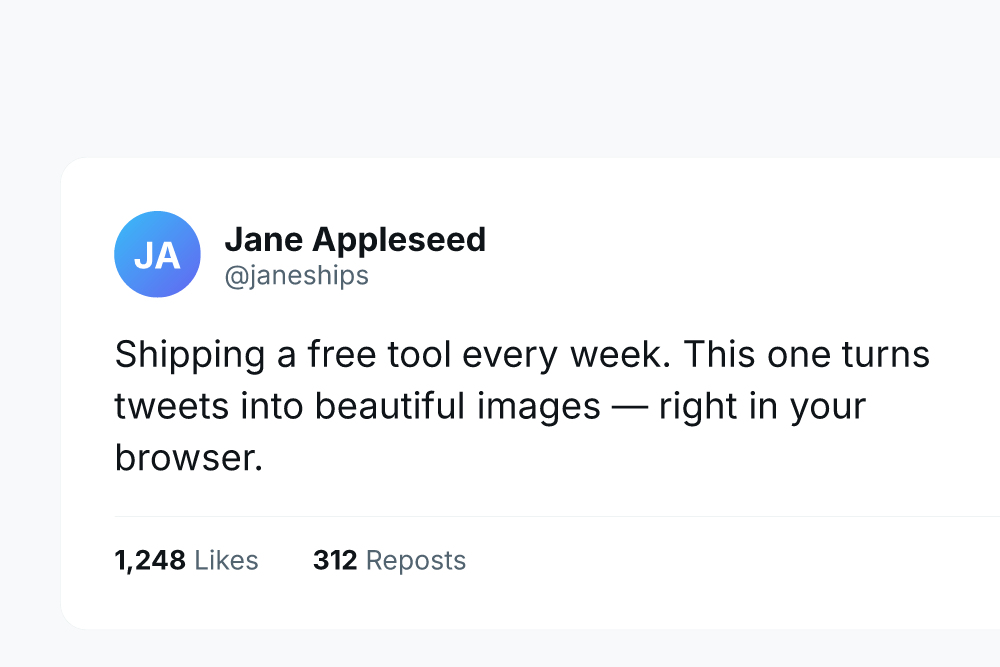
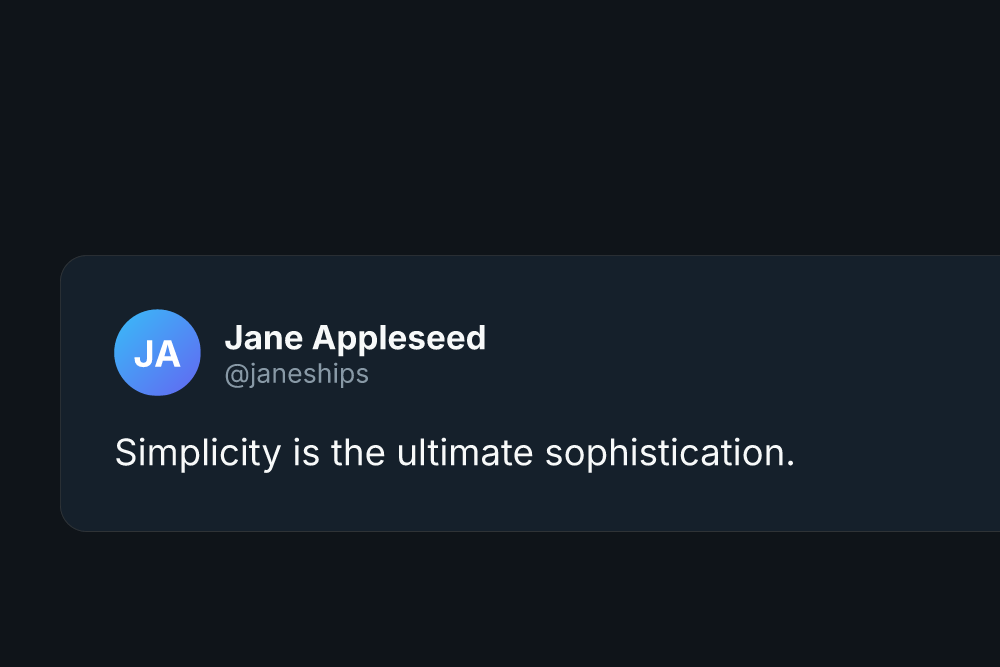
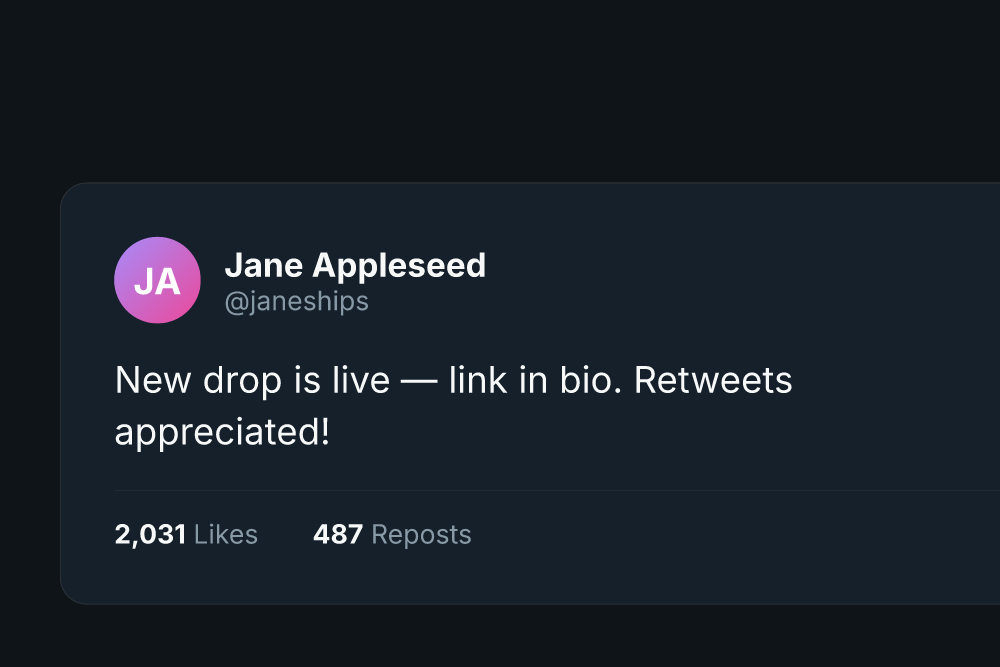
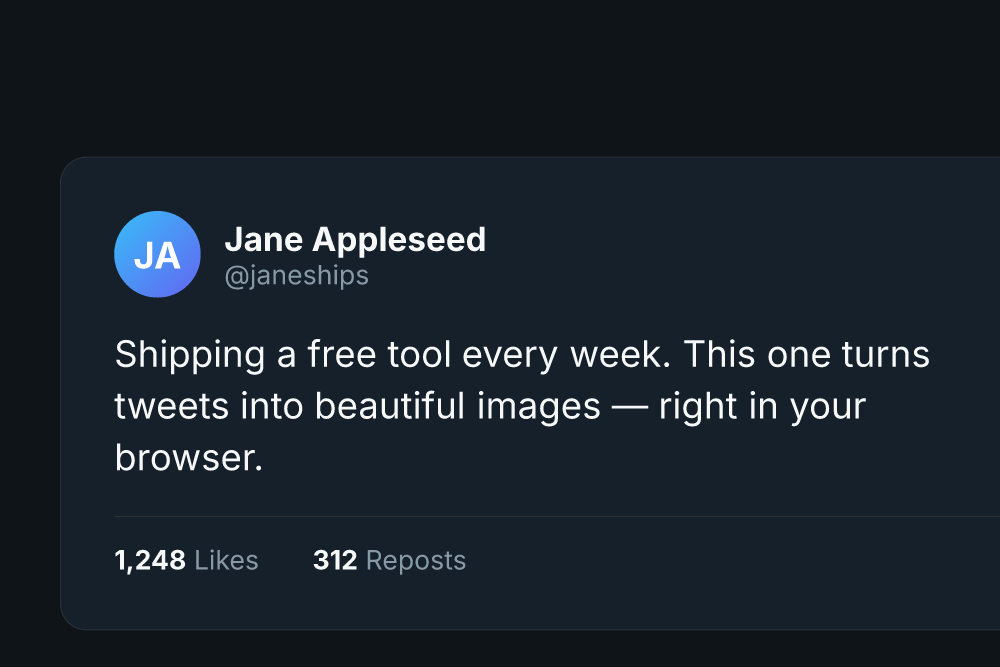
Dark Mode recreates the familiar X dark theme: deep background, crisp white text and engagement metrics below. It is the most-shared look because it matches what people already see in the app.
Best for
- Viral tweet screenshots
- Founder and builder updates
- Tech commentary threads
Specifications
- Output size: 1200 × 800 px
- Formats: PNG and SVG download
- Cost: Free, unlimited, no account
- Privacy: renders locally in your browser
Tips for this style
- Dark cards pop on light timelines and vice versa.
- Keep metrics visible for social proof.
- Match the avatar color to your brand.
How to use it
- Click Use this template → — the editor opens with this style pre-loaded.
- Edit the text, colors and options. The preview updates live as you type.
- Download your PNG (or SVG). No sign-up, no watermark, free forever.